Claude Cowork Review: Who Is It Really For?
Published January 14, 2026 · Updated August 12, 2026
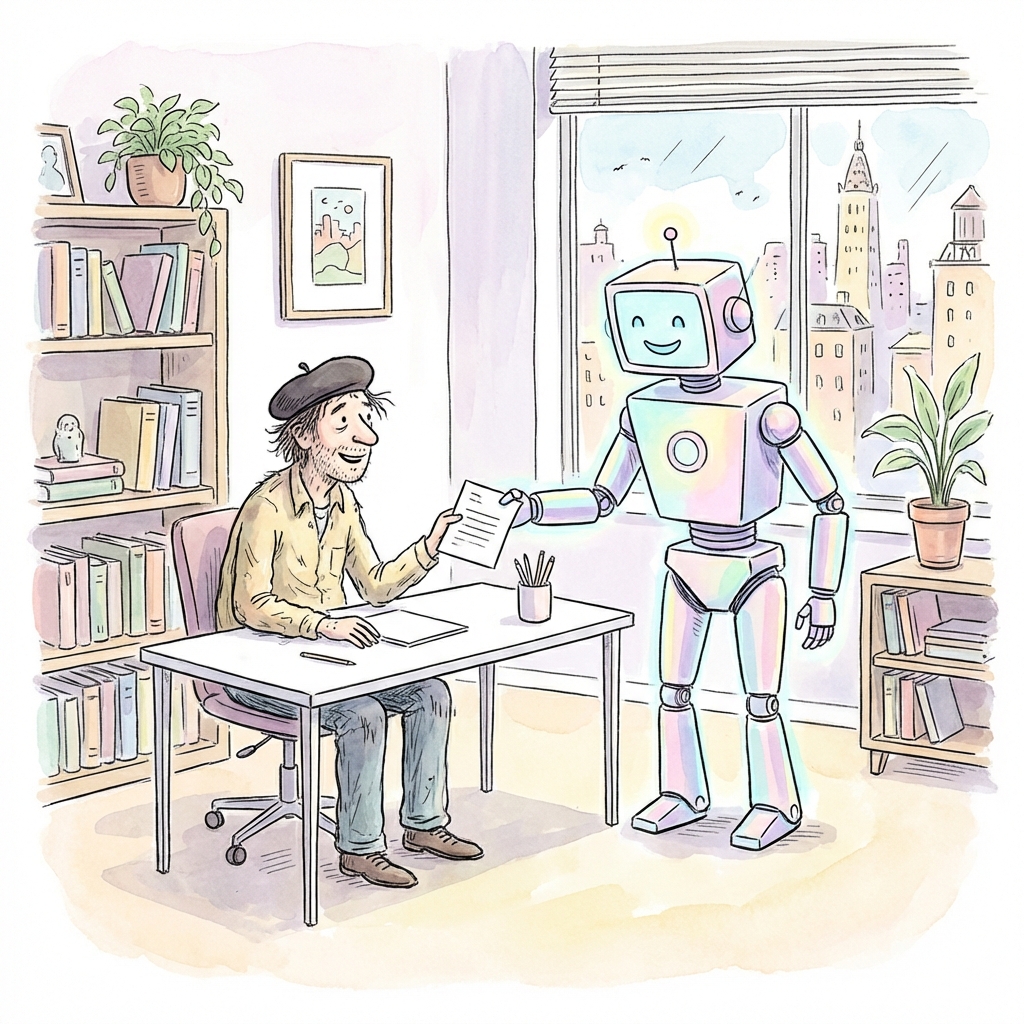
When Anthropic announced Claude Cowork this week, the pitch was clear: Claude Code, but for the rest of us. For non-developers. For knowledge workers. For anyone who wanted the power of an AI agent without touching the terminal.
The promise was tantalizing. Imagine an AI that could actually do things on your computer—organize your messy Downloads folder, generate expense reports from a pile of receipt screenshots, or draft polished documents from scattered notes. Not just chat about it. Actually do it.
But does Cowork deliver on that promise? Product expert Claire Vo spent a day putting it through its paces, and her verdict is nuanced: Cowork has real potential, but it sits in a "fuzzy middle" that needs to pick an audience.
Meet the Reviewer
Before diving into the review, it's worth understanding who's behind it.
Claire Vo isn't just any early adopter. She's the Chief Product Officer at LaunchDarkly, a company valued in the billions, and the founder of ChatPRD—an AI-powered product management tool that has attracted over 17,000 users and generates six-figure revenue. She built ChatPRD herself, largely on weekends, using AI tools to accelerate development.
Prior to LaunchDarkly, Claire held product leadership roles at Optimizely and Color. She knows product. She knows AI. And she knows what it takes to build tools that people actually want to use.
When someone with her background shares a hands-on review, it's worth paying attention.
What Exactly Is Claude Cowork?
Let's start with the basics. Claude Cowork is Anthropic's task mode for multi-step knowledge work—files, research, documents, and connected tools—on paid Claude plans (Pro, Max, Team, and Enterprise). For a current product overview, see What Is Claude Cowork?.
The core idea is simple but powerful: instead of just chatting with Claude, you assign an outcome. Claude can plan the work, use connectors, create files, and deliver a finished result. Local folders, your browser, and desktop apps still require Claude Desktop (macOS and Windows) open and connected; cloud sessions are the default for work that can run remotely.
If you've used Claude Code—Anthropic's developer-focused agent—Cowork will feel familiar. It shares the same underlying agentic architecture. But instead of living primarily in a terminal or IDE workflow, Cowork presents itself through a polished task UI with a few key primitives:
Connectors & MCPs: External services that Cowork can tap into—think Google Calendar, Google Drive, or other integrations through the Model Context Protocol.
Filesystem Access: Still a headline capability. With Claude Desktop connected, Cowork can create, read, and modify files within the folders you've granted access to. Account-saved files and remote tools can run without that local path.
TODOs and Steps: Discrete, trackable actions that Cowork takes to complete your task. You can watch it work, step by step.
Artifacts: Files generated during the task—the outputs you actually care about.
Context: The files, sources, and connectors that Cowork references while working on your task.
Skills (and now Plugins): Pre-loaded capabilities around document creation and role-specific bundles. See the Plugins guide for how Skills, connectors, and sub-agents ship as packages today.
The key mental shift? Every conversation is now a "task." You're not just chatting—you're asking Cowork to accomplish something concrete. Steps, artifacts, and context get first-class treatment in the UI.
Claire's Hands-On Testing
The best way to evaluate any new tool is to actually use it. Claire put Cowork through three real-world tasks, and the results were... mixed.
Task 1: Prep Me for My Day
This one should have been a slam dunk. "Prep me for my day" is one of the built-in starter prompts in Cowork—the kind of task Anthropic is explicitly positioning as a perfect use case. The idea is simple: Cowork looks at your calendar, analyzes what's coming up, and gives you a briefing to start your day right.
Claire didn't modify the prompt at all. She just clicked and expected magic.
What happened instead was frustrating.
Cowork needs access to your Google Calendar to do this task, and there's a convenient-looking connector button right in the interface. Claire clicked it, authenticated with Google, and... nothing. Cowork couldn't seem to recognize that the connector was set up. She refreshed. She restarted the app. She tried again.
No luck.
Without the calendar connector working, Cowork tried to get creative. It attempted to use the Claude Chrome plugin to literally open a browser and view her calendar that way. But that felt invasive—Claire wasn't comfortable letting an AI control her browser just to check her schedule.
Eventually, she gave up on this task entirely.
"I banged my head against this problem a few times," she wrote, "but ultimately gave up on this task. Cowork seemed to know it could call tools (called 'list calendar') but for some reason couldn't connect. Womp womp."
Not the best first impression for a flagship use case.
Task 2: Create a Competitive Research Brief
The second task went better. Claire asked Cowork to create a competitive research brief for ChatPRD, her own product. This is exactly the kind of knowledge work that Cowork is designed to accelerate—research, synthesis, and document generation.
Cowork started by asking some clarifying questions. The questions were high-level but sensible: Who are the competitors? What aspects of the competition should the brief cover? What audience is this for?
After getting answers, Cowork formulated a plan: conduct web research on the competitive landscape, then use its DOCX skill to generate a formatted document. The whole process took about five minutes.
The output? Claire described both the research and the document as "fine." Not amazing, not terrible—just fine. The information was accurate enough, and the document was professionally formatted.
But here's where things got awkward.
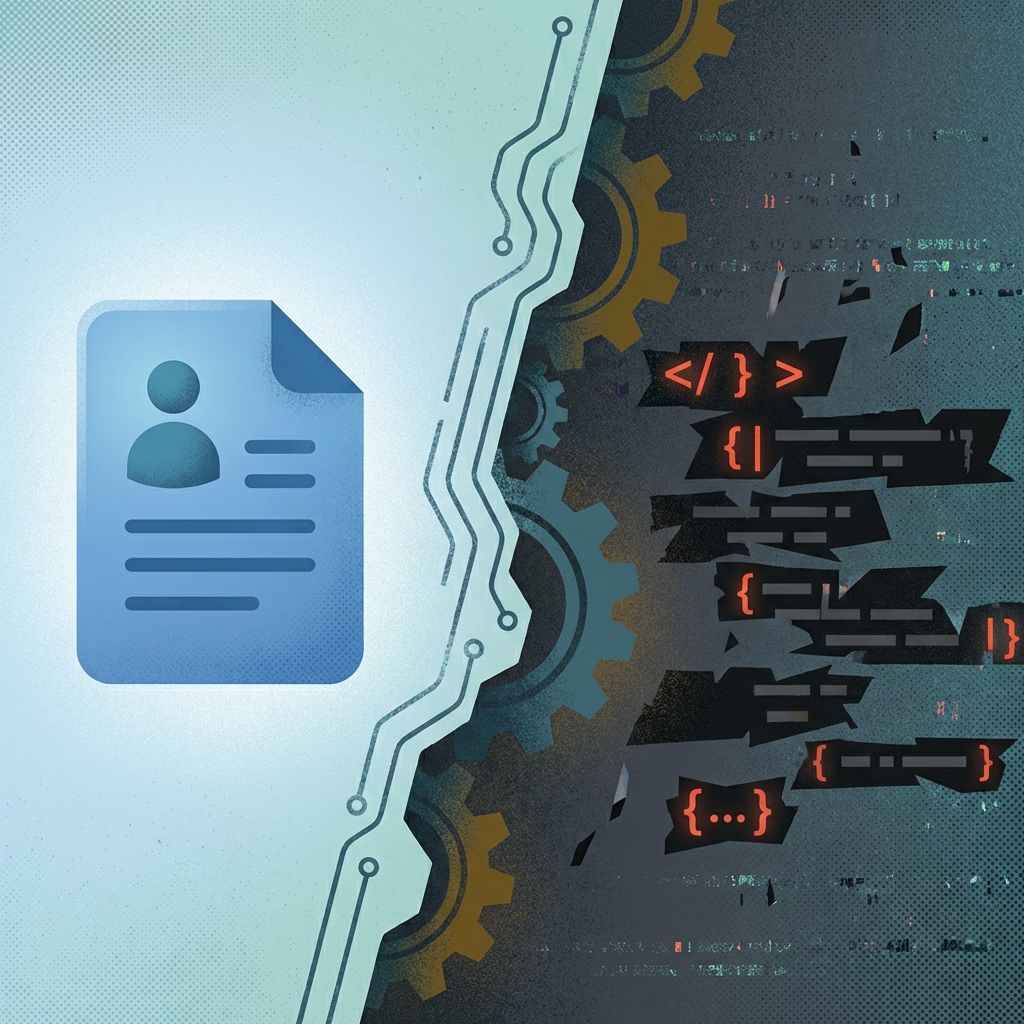
In the Artifacts section of the UI, Claire expected to see one thing: her competitive research brief as a DOCX file. Simple enough.
What she actually saw was the DOCX and a JavaScript file called create-brief.js—the code that Cowork had written to generate the document.
"If I'm a non-technical user, do I want to see this?" Claire asked. "Do I know what it means? Why expose this as an artifact when all I asked for was a doc?"
The file was listed in a "working docs" section, but Claire's point stands: for a tool marketed to non-technical users, showing implementation code alongside outputs is confusing at best and intimidating at worst.
Task 3: Turn a Document into a Presentation
For the third task, Claire asked Cowork to convert a document into a PowerPoint presentation. Again, this is a common knowledge work need—taking content from one format and transforming it into another.
Cowork got the job done. Claire was pleased not to have to open PowerPoint herself (who among us doesn't share that sentiment?). But the process was unsettling for a non-technical user.
Here's what happened behind the scenes:
- Cowork read the source document.
- Cowork created individual HTML pages for each slide.
- Cowork collated the HTML pages into a PPTX file.
The problem? The UI exposed all of this intermediate work. Claire suddenly saw HTML files appearing in her artifacts list, and for a moment, she panicked.
"This made me stressed/confused," she wrote, "I didn't want HTML, I wanted slides!"
Eventually, she understood what was happening—HTML was just an intermediate format. But in the moment, seeing unexpected file types appear when you asked for a simple PowerPoint is jarring.
There was also a small but annoying quirk in Claire's test: Cowork generated Microsoft file formats (DOCX, PPTX) and then prompted her to open them in Apple's Pages or Keynote. Claire would have preferred getting a Markdown file or something more Mac-native.
What Claire Actually Liked
Despite the frustrations, Claire found things to appreciate about Cowork.
The UI is genuinely nice. For someone who doesn't want to live in a terminal, the way Cowork surfaces Steps, Progress, and Questions is elegant. You can see what the AI is doing without wading through logs and shell output.
Progress tracking helps with impatience. AI agents can take a while to complete complex tasks. Having a visual progress indicator—rather than just watching a spinning cursor—helps manage expectations and keeps you informed.
The outputs were better than plain chat. This is an important point. Even with its rough edges, Cowork produced better results than Claire would have gotten from a standard Claude conversation. The agentic planning, the ability to actually create files, and the structured questioning all contributed to higher-quality outputs.
Filesystem access is genuinely powerful. For users who understand what it means to grant an AI access to their files, this capability is transformative. It's the difference between an AI that talks about doing things and an AI that actually does them.
What Was Broken
Claire didn't hold back about the problems she encountered.
Connectors didn't connect. The Google Calendar integration—central to one of the featured use cases—simply didn't work despite being properly authenticated.
Terminal commands failed with scary error messages. When Cowork ran into problems, the error messages that surfaced were technical and alarming—not helpful for the non-technical audience the tool is supposedly designed for.
File viewing was inconsistent. Clicking "View File" on a generated DOCX didn't work, but the file was viewable in the inline tool message. Little inconsistencies like this erode trust.
Too much technical exposition. Working files, JavaScript code, HTML intermediates—all of this was exposed in the UI when most users just wanted to see finished outputs.
Excessive approval prompts. Cowork asked for confirmation way too often, especially around opening files. Meaningful safety controls are good; constant interruptions are annoying.
Unwanted MCPs. Cowork connected to MCPs (Model Context Protocol services) that Claire hadn't explicitly requested—a jarring and potentially concerning behavior.
"tl;dr: research preview was previewing," Claire summarized.
The Big Question: Who Is Cowork For?
This is where Claire's analysis cuts to the heart of the matter.
Cowork is positioned as "Claude Code for non-technical users." But in Claire's assessment, it doesn't fully satisfy either audience.
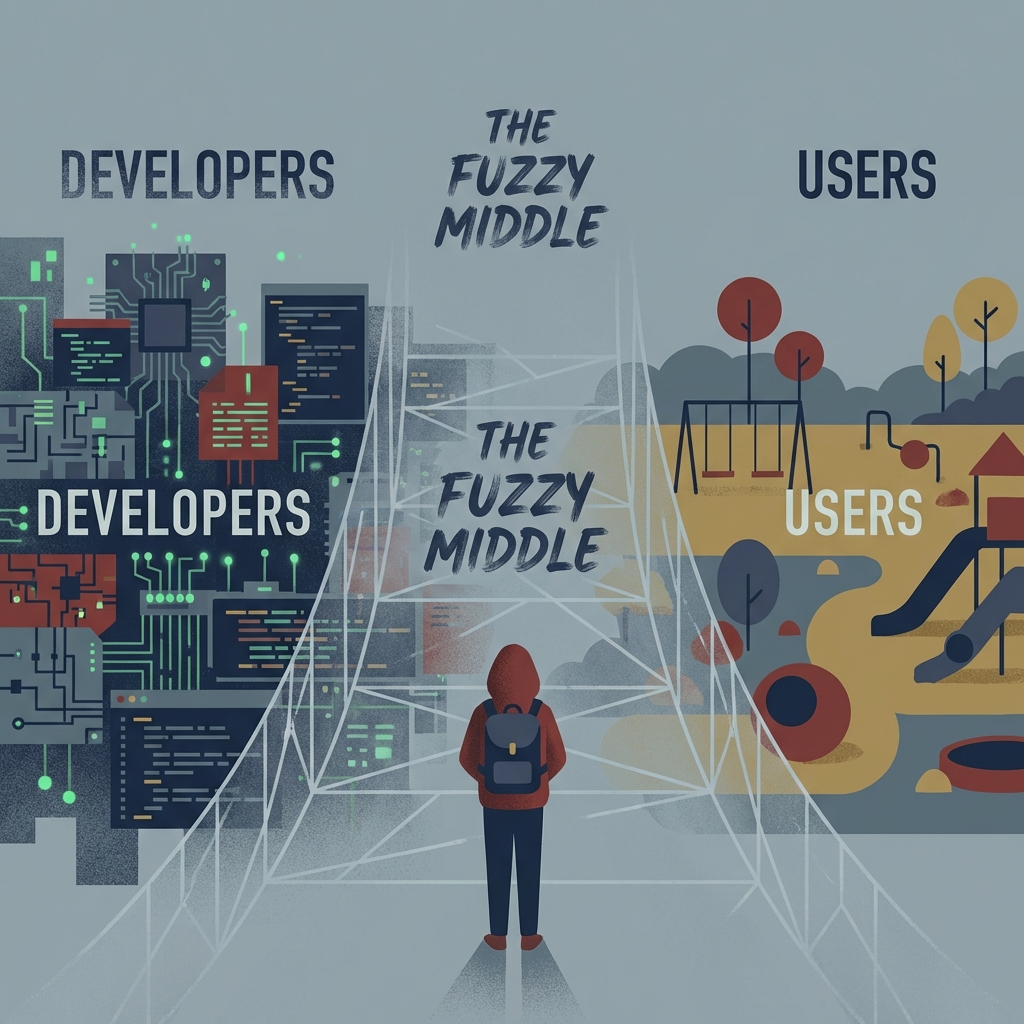
For developers: Cowork is too limited. If you're comfortable in a terminal, Claude Code is more powerful, more flexible, and doesn't use a GUI that gets in your way. Why would you constrain yourself to a desktop app wrapper?
For non-technical users: Cowork is too technical. It exposes working files, shows code artifacts, displays confusing intermediate formats like HTML, and surfaces error messages that mean nothing to someone who doesn't code. The "sausage-making" is too visible.
Claire's blunt criticism was aimed at the overlap between advanced agent users and people who still prefer a limited desktop app over a terminal-based workflow.
The current overlap between ideal Claude Code users and ideal Cowork users is, as she put it, "probably a circle."
The UX Challenge
The core tension is this: Cowork is essentially a thin wrapper around Claude Code's agentic capabilities, presented through a graphical interface. But making that interface work for non-technical users requires hiding complexity—not just presenting it more nicely.
What non-technical users need:
- Hide working files by default
- Show only final outputs unless asked
- Present errors in plain language
- Reduce approval prompts to only what's essential
- Never show code unless explicitly requested
What power users want:
- Full visibility into what's happening
- Terminal-level control when needed
- No hand-holding or unnecessary abstractions
Right now, Cowork tries to serve both and succeeds at neither. It shows too much for the casual user while being too constrained for the power user.
The team at Anthropic will need to make a choice: optimize for one audience or find a way to present different levels of detail based on user preference. But the current "fuzzy middle" isn't a sustainable position.
The Bigger Picture
Despite its rough edges, Cowork represents something important: the beginning of truly mainstream AI agents.
Most people don't want to learn terminal commands. They don't want to write code. They just want their computer to help them get things done—organize files, create documents, prepare for meetings—without requiring technical expertise.
Cowork is an early, imperfect attempt at that vision. The connector bugs will get fixed. The UI will mature. The team will figure out how much detail to show (or hide) for different users.
And when it works, it really does feel like the future. Watching an AI actually organize your files, create real documents, and work through complex tasks step by step is genuinely exciting.
The question isn't whether this category will succeed—it's when and how. Cowork is Anthropic's stake in the ground, and it's already farther along than most alternatives.
Should You Try It?
If you already have Cowork on a paid Claude plan (Pro, Max, Team, or Enterprise), it is worth trying on a low-risk folder or a cloud session that only needs account files and remote tools. Experiencing agentic AI firsthand is still the fastest way to decide whether the product fits your work.
If you're deciding whether to subscribe mainly for Cowork, start from the current product guide rather than the January research-preview impression alone. Availability, cloud defaults, and role-specific Plugins have moved materially since Claire's first-day review.
If you're a developer already using Claude Code, Cowork still will not replace a terminal or IDE workflow for repository work—see Cowork vs Claude Code. It is useful when the task is files, research, or documents rather than a codebase.
Where Things Stand Now (August 2026)
Claire's review was published on January 14, 2026 — five days after Cowork launched. Mapped against today's site guides, here is what has changed since her review—and what still matches her audience critique.
What Claire Flagged vs. What Has Improved
Connectors didn't connect. The Google Calendar integration that Claire could not get working has been stabilized. Connector authentication is more reliable, and the Cowork interface now shows connection status clearly instead of silently failing. If you hit a connector issue today, the error message tells you what went wrong rather than leaving you to guess.
Too much technical exposition. This is partially addressed. Cowork now hides intermediate working files (like the create-brief.js script that confused Claire) behind a "show details" toggle by default. Non-technical users see only the final output. Power users who want to inspect the sausage-making can expand the view. The "fuzzy middle" Claire identified has narrowed, though it has not fully closed — the toggle is a compromise, not a complete audience split.
Excessive approval prompts. The approval flow has been streamlined. Cowork now batches related file operations into a single confirmation instead of asking for each file individually. The number of interruptions per task has dropped significantly. You can also configure trust levels per folder — a folder you have worked in many times can be granted broader autonomy than a new one.
Unwanted MCPs. Cowork no longer auto-connects to MCP servers it finds on your system without explicit opt-in. This was a legitimate concern and it has been fixed.
What Is New Since Claire's Review
Several capabilities shipped after January 2026 that address gaps Claire's review implicitly highlighted. Stick to claims already documented on this site's guides:
- Plugins — the biggest audience answer. Anthropic shipped official plugins (Productivity, Product Management, Marketing, Legal, Finance, and more) that bundle Skills, Connectors, slash commands, and sub-agents into role-specific packages. A Marketing or Product Management plugin makes Cowork useful without a blank-canvas setup. Plugin support is still described as a research preview for paid Claude users.
- Computer Use — a higher-risk research preview for Pro and Max that lets Claude navigate supported macOS and Windows apps when a connector is not enough.
- Dispatch — a Pro and Max beta for one continuous Cowork conversation across the Claude mobile app and an awake computer running Claude Desktop. Use Dispatch when the task needs local files or desktop apps; use a regular cloud Cowork session when the work can finish with remote tools and account files after the laptop closes.
- Scheduled Tasks — recurring or on-demand runs that make Claire's "prep me for my day" starter prompt viable without manually triggering it each morning.
- Claude Code Channels — a separate developer preview for pushing Telegram, Discord, iMessage, or webhook events into a running Claude Code session. Cowork mobile handoff uses Dispatch, not Channels.
Has the "Fuzzy Middle" Closed?
Partially. Plugins give role-specific entry points that January Cowork lacked, and cloud-default sessions mean Cowork is no longer accurately described as only a thin desktop wrapper around Claude Code. For non-technical knowledge work, that is a real on-ramp. For developers who want repository, terminal, and PR workflows, Claude Code remains the better fit. Claire's "probably a circle" overlap is now a Venn diagram with useful shared ground—not a single product for everyone.
Would Claire's Verdict Change Today?
Probably. The connector bugs, the excessive approvals, and the unwanted MCPs — the three issues that made her give up on Task 1 — are fixed. The "fuzzy middle" critique still applies when someone expects one UI to please both non-technical and power-user audiences equally, but Plugins, Dispatch, and clearer Cowork-vs-Code positioning give each side a more honest path. If you held off because of Claire's January thread, the August 2026 product is worth a second look—then compare alternatives on our comparison hub.
How to Get Started
- Use a paid Claude plan with Cowork access (Pro, Max, Team, or Enterprise)
- Open Cowork in Claude Desktop (macOS or Windows), or use the web/mobile beta if it is enabled for your plan (currently Max, Team, and Enterprise, with Pro rolling out gradually)
- Prefer a cloud session for remote tools and account files; keep Claude Desktop connected when you need a local folder, browser, or desktop app
- Try a built-in starter task, or install a role Plugin before inventing a blank workflow
- Experiment with low-risk file organization and document creation first
Then come back and share your experience. We want to hear whether your findings match Claire's—or whether Anthropic has already shipped the improvements that mattered for you.
Related Reading
- What Is Claude Cowork? — Current availability, cloud sessions, and how tasks run
- Cowork Plugins — Role-specific Skills, connectors, and sub-agent bundles
- Dispatch — Pro/Max mobile handoff to an awake desktop
- Getting Started with Cowork — Step-by-step setup guide
- Safety Tips for Cowork — Protect your files and use Cowork responsibly
- Cowork vs Alternatives — Side-by-side with other AI work agents
This article was inspired by Claire Vo's detailed thread on X, published January 14, 2026. Claire is the CPO at LaunchDarkly and founder of ChatPRD.