Skills & Connectors in Cowork
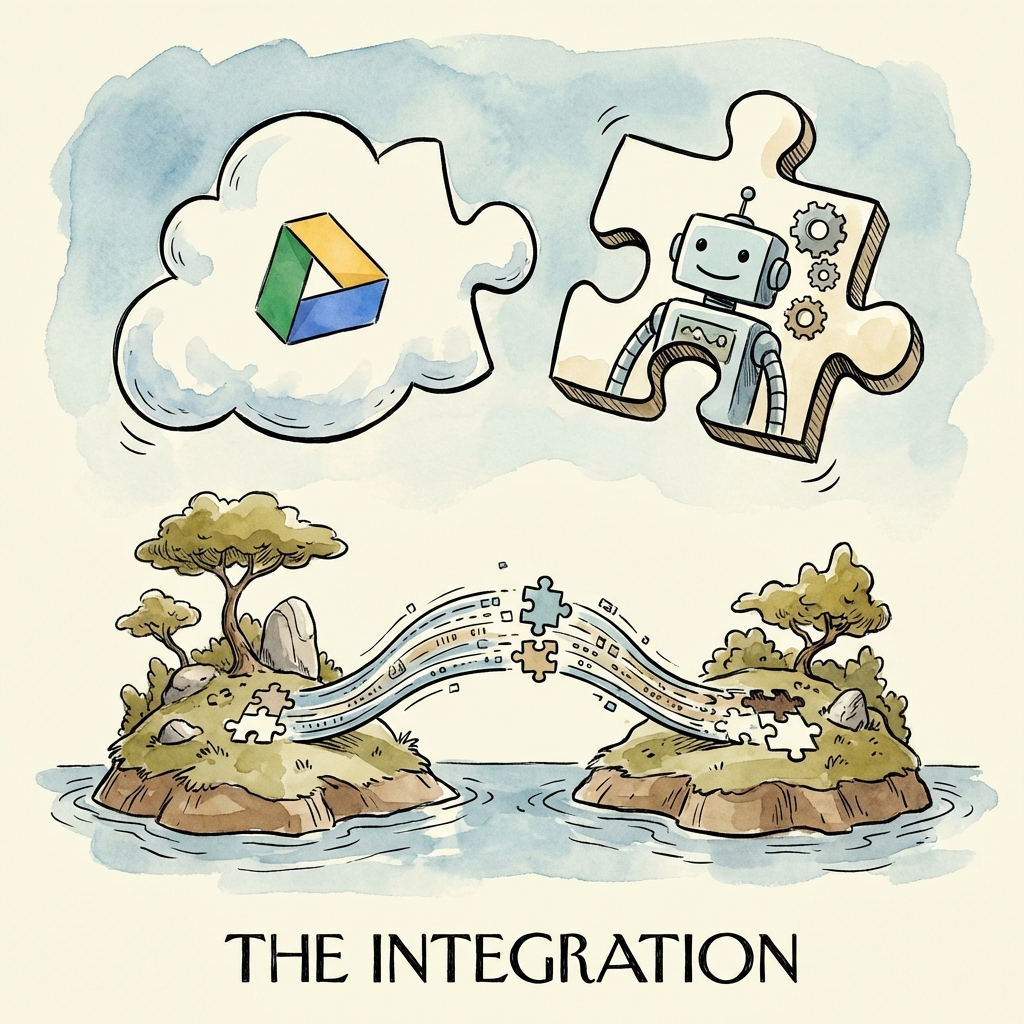
Cowork becomes even more powerful when combined with Claude's ecosystem of extensions.
The Difference in Plain English
Skills help Claude produce or process certain types of output, such as documents, spreadsheets, and presentations. Connectors help Claude reference external information sources, such as cloud storage or collaboration tools. Cowork is where the multi-step work runs: cloud sessions are the default and save files to your Claude account, while approved local folders are reached through Claude Desktop when it is open and connected.
Think of the stack this way: Connectors bring context in, Skills shape the output, and Cowork writes the result to an account file or an approved folder you control.
What Are Agent Skills?
Skills are pre-built capabilities that improve Claude's ability to handle specific tasks. In Cowork, you get access to skills for:
- Document creation (Word, PDF, Markdown)
- Spreadsheet manipulation (Excel, CSV)
- Presentation building (PowerPoint)
Skills are automatically activated when relevant. You don't need to enable them manually.
When Skills Matter Most
Skills are most useful when the output has a known structure. A report should have headings, a spreadsheet should have columns, and a presentation should have slides. If you only need a short answer, normal Claude chat may be enough. If you need a durable file, Skills plus Cowork are a better fit.
What Are Connectors?
Connectors link Claude to external information sources. If you've set up Connectors in your regular Claude chat, they work in Cowork too.
Examples:
- Google Drive Connector: Access files from your Drive.
- Notion Connector: Pull data from your Notion workspace.
- Slack Connector: Reference messages and channels.
Use Connectors when the source material lives outside your local folder. Do not connect every possible source by default. Start with the one source needed for the task, then add more only when the task requires it.
Using Connectors in Cowork
- Set up Connectors in Claude Settings.
- In Cowork, simply reference the source:
"Find the meeting notes from last week in my Google Drive and summarize them."
Claude in Chrome
Claude in Chrome is a browser extension that gives Claude the ability to browse the web. When paired with Cowork, this enables:
- Research tasks: "Find the top 10 competitors in this market and save a summary to 'research.md'."
- Data scraping: "Go to this URL, extract the pricing table, and save it as a CSV."
- Verification: "Check if this company's website is still active."
Enabling Chrome Integration
- Install the Claude for Chrome extension.
- Log in with your Claude account.
- In Cowork, Claude will automatically use Chrome when a task requires web access.
What to Connect First
| Goal | Useful addition | Safer first test |
|---|---|---|
| Summarize Drive docs | Google Drive Connector | One folder or a few named files |
| Turn notes into a report | Document Skills | A copied notes folder |
| Build a spreadsheet | Spreadsheet Skills | Five sample receipts |
| Research a webpage | Claude in Chrome | One public URL |
| Combine cloud and local files | Connector + Cowork | Read-only summary before edits |
Safety Notes for Connectors
External sources can contain stale, private, or malicious instructions. Ask Claude to separate "source content" from "task instructions" when using files from shared drives, Slack exports, web pages, or documents you did not create. For sensitive work, have Claude create a summary first, then decide whether to allow edits or generated files.
Also keep first-pass output in a reviewable place. For example, ask Cowork to write research-summary.md into an approved folder or account draft instead of updating the original cloud document on the first pass. Do not assume that file contents stay only on your computer.
How to Create a Custom Skill
While Anthropic provides built-in skills for documents, spreadsheets, and presentations, you can create custom skills for repeated workflows specific to your projects. A custom skill is defined by a SKILL.md file that tells Claude how to approach a specific category of task.
Step 1: Identify the Repeated Workflow
Custom skills make sense when you find yourself giving Claude the same detailed instructions repeatedly. For example:
- "Always format our API documentation with these specific section headers."
- "When generating test files, use our internal test template with these imports."
- "Convert meeting transcripts into action item tickets using this format."
If you are pasting the same 200-word instruction block into multiple sessions, that is a candidate for a skill.
Step 2: Write the SKILL.md File
Create a SKILL.md file in your project directory (or in a .claude/skills/ subfolder). The file should contain:
# Skill: API Documentation Generator

## Purpose
Generate API reference documentation from TypeScript interface definitions.

## Instructions
1. Read all .ts files in the src/api/ directory.
2. For each exported interface or type, extract the name, properties, and JSDoc comments.
3. Generate a markdown file in ./docs/api/ with the following structure:
   - ## Endpoint Name
   - ### Parameters (table with name, type, required, description)
   - ### Response (code block with example JSON)
   - ### Errors (list of possible error codes)
4. Do not modify the original .ts files.
5. Use this header for each file: "Auto-generated by Claude Cowork. Do not edit manually."
Step 3: Reference the Skill in Your Session
When you start a Cowork session in the project folder, Claude will read the SKILL.md file as part of its context. You can then give a short prompt:
"Generate the API docs for the user service."
Claude will follow the detailed instructions in the skill file without you needing to repeat them.
Step 4: Iterate and Refine
After the first run, review the output. If the formatting is off or a step was missed, update the SKILL.md file with more specific instructions. Skills improve with iteration. The more precise the instructions, the more consistent the output across sessions.
You can also use our Skill Builder tool to generate a SKILL.md file from a description, then customize it further.
Available Connectors
Connectors are configured through your Claude account settings. Here is a summary of the most commonly used connectors and how to set them up for use with Cowork.
Google Drive
What it does: Lets Claude search and read files stored in your Google Drive, including Docs, Sheets, and PDFs.
Setup:
- Go to Claude Settings → Connectors.
- Find Google Drive and click "Connect."
- Authenticate with your Google account and grant the requested scopes.
- In Cowork, reference Drive files naturally: "Find the Q3 budget spreadsheet in my Google Drive."
Tips: Limit the connector to specific folders if your Drive is large. This reduces noise and speeds up retrieval.
Notion
What it does: Lets Claude search and read pages from your Notion workspace.
Setup:
- In Claude Settings, find Notion and click "Connect."
- Authorize access to your workspace.
- In Cowork: "Pull the project roadmap from Notion and create a local summary."
Tips: Notion connectors respect page-level sharing permissions. If Claude cannot find a page, confirm it is shared with the Notion integration in Notion's page settings.
Slack
What it does: Lets Claude search messages and channels in your Slack workspace.
Setup:
- In Claude Settings, find Slack and click "Connect."
- Authorize the workspace.
- In Cowork: "Find the latest deployment announcement in the #engineering channel and summarize it."
Tips: Slack connectors typically search recent messages first. For older history, specify a date range in your prompt.
Claude in Chrome (Web Browser)
What it does: Gives Claude the ability to browse live web pages, extract content, and verify information online.
Setup:
- Install the Claude for Chrome extension.
- Log in with your Claude account.
- In Cowork, Claude will use Chrome automatically when a task requires web access.
Tips: For scraping tasks, specify the exact URL and the data you want extracted. Avoid open-ended "browse the web" prompts, which can lead to unfocused results.
Custom MCP Servers
What it does: Connects Claude to any tool that implements the Model Context Protocol, including databases, internal APIs, and custom scripts.
Setup:
- Add the server configuration to your
claude_desktop_config.jsonfile. - Restart Claude Desktop.
- In Cowork, reference the tool by name.
Example configuration:
{
  "mcpServers": {
    "local-db": {
      "command": "npx",
      "args": ["-y", "@modelcontextprotocol/server-postgres", "postgresql://localhost/mydb"]
    }
  }
}
Tips: Use read-only database roles for MCP database connections. This prevents accidental writes when Claude is only supposed to query data.
Skill vs Connector: When to Use Each
Skills and connectors serve different purposes. Using the wrong one leads to frustration. Here is how to decide.
| Criterion | Use a Skill | Use a Connector |
|---|---|---|
| Goal | Shape how Claude produces output | Bring external information into Claude's context |
| Data source | Local files in your approved folder | External services (Drive, Notion, Slack, web) |
| Direction | Outward: Claude generates files in a specific format | Inward: Claude reads from an external source |
| Setup | A SKILL.md file in your project | Authentication through Claude Settings |
| Example | "Generate a test file using our template" | "Find the meeting notes in Notion" |
A simple way to remember: Connectors bring data in, Skills shape what comes out. If your task is "read from X and produce Y," you likely need both. If your task is "produce Y from local files," you need a skill. If your task is "read from X and summarize," you need a connector.
When You Need Both
Many real tasks require both a connector and a skill. For example:
"Pull the last 10 customer feedback entries from Slack, categorize them by theme, and generate a formatted report in ./output/feedback-report.md."
Here, the Slack connector brings the data in, and a documentation skill (or inline instructions) shapes the report format. Cowork writes the final file to your local folder.
Managing Skills Across Projects
As you create custom skills, you will want to reuse them across different projects. Here are practical approaches.
Project-Level Skills
Place a SKILL.md file in the root of each project. This is the simplest approach. The skill is scoped to that project and travels with the repository. Anyone who clones the repo gets the same skill definitions.
Shared Skills Folder
If you have skills that apply to multiple projects (for example, a standard documentation format), create a shared folder:
~/.claude/skills/
  doc-generator.md
  test-template.md
  api-reference.md
Reference these in your project-level SKILL.md by including a note like:
# Project Skills
This project uses the shared documentation skill from ~/.claude/skills/doc-generator.md.
Claude will read both the project-level and shared skill files when working in the project folder.
Version Control for Skills
Treat SKILL.md files like code. Commit them to your repository. This way:
- Changes to skill instructions are tracked and reviewable.
- Team members share the same skill definitions.
- You can revert a skill change if it produces worse results.
Use clear commit messages: Update API doc skill to include error code section rather than just update skill.
When to Update a Skill
Review your skills when:
- The output format has changed (e.g., your team adopted a new documentation standard).
- Claude consistently misses a step that you have to correct manually.
- A new file type or tool has been added to your workflow.
A skill that is not updated becomes a source of confusion. Claude will follow outdated instructions faithfully, which produces output that no longer matches your expectations.
Troubleshooting Skills and Connectors
Skill Not Being Applied
If Claude ignores the instructions in your SKILL.md file:
- Check the file location. The
SKILL.mdfile must be in the project root or a.claude/skills/subfolder within the directory you granted Cowork access to. - Check the file name. It must be exactly
SKILL.md(case-sensitive on some systems). - Reference it explicitly. In your first message, say: "Read the SKILL.md file in this folder before starting."
- Check for conflicts. If you have multiple skill files with overlapping instructions, Claude may get confused. Consolidate or clarify the priority.
Connector Not Finding Files
If a connector returns no results or cannot find a specific file:
- Verify the connection. Go to Claude Settings → Connectors and confirm the connector shows as "Connected."
- Check permissions. For Google Drive, ensure the file or folder is shared with the Claude integration. For Notion, confirm the page is shared with the integration in Notion settings.
- Be specific in your prompt. Instead of "find the budget file," try "find the file named 'Q3-2026-Budget.xlsx' in the 'Finance' folder."
- Re-authenticate. If the connector was connected long ago, the token may have expired. Disconnect and reconnect.
Connector Returns Stale Data
Connectors cache data for performance. If you recently updated a file in Google Drive or Notion and Claude is reading the old version:
- Wait a few minutes. Cache refresh intervals vary by connector.
- Reference the file by its exact name and recent modification date. "Find the version of 'meeting-notes.md' that was updated today."
- Start a new session. A fresh Cowork session will re-query the connector without relying on cached context from a previous session.
MCP Server Fails to Start
If a custom MCP server is not working:
- Check the config syntax. JSON errors in
claude_desktop_config.jsonwill prevent all MCP servers from loading. Validate the JSON at jsonlint.com. - Test the command manually. Run the exact command and args from your config in a terminal to see if it starts.
- Check the PATH. On Windows, ensure
npxornodeis in your system PATH. See our Windows guide for details. - Review logs. Claude Desktop logs are typically found in
~/Library/Logs/Claude/on macOS or%APPDATA%\Claude\Logs\on Windows.
Combining Everything
The real power comes from chaining these together:
"Check my Google Drive for any invoices from last month, download them, extract the amounts, and create an expense summary spreadsheet."
Claude uses:
- Connectors to access Google Drive
- Skills to read PDFs and create Excel
- Cowork to write the output file locally
Related Guides
- Connectors hub — Connectors vs MCP vs plugins without a fake app catalog
- Mastering the Skills System — Deeper SKILL.md patterns and built-ins
- Cowork Plugins — Packaged Skills, connectors, and slash commands
- Finance plugins — Official FSI marketplace plugins and entitlements
- Legal plugins — Official Legal plugin, playbook file, and MCP caveats
- Awesome MCP Servers — Curated custom MCP servers to evaluate carefully
- MCP config generator — Safer starter Desktop MCP JSON
- Windows Cowork Guide — PATH, config, and connector setup on Windows
- Claude Cowork comparisons — How other agents expose tools and integrations