Use a Kimi-Compatible API with an Unofficial Cowork-Style Fork
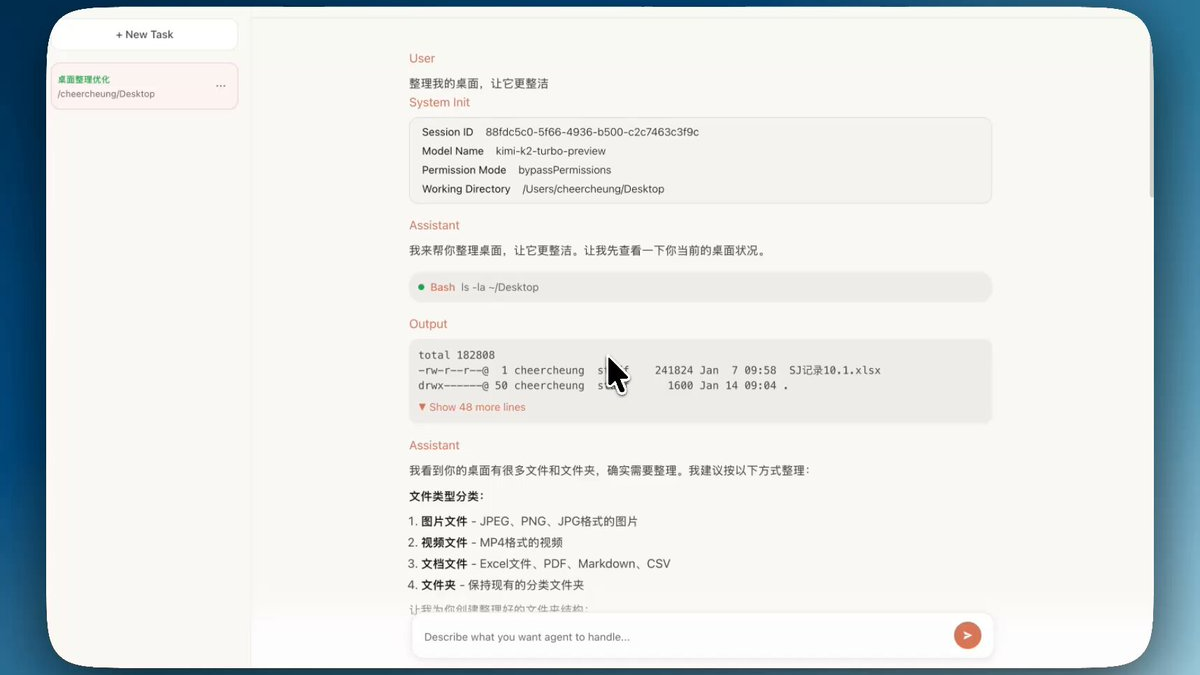
This guide covers a third-party, Cowork-style project originally demonstrated by developer @austinit. It is not Claude Cowork, is not supported by Anthropic, and may no longer match the original distribution. Verify the project source, license, recent activity, and security model before installing anything.
This guide walks you through setting up a forked version of Claude Cowork that works with any Anthropic-compatible API—including Kimi K2, MiniMax, and other third-party providers.
The Problem: Claude Cowork's Limitations
Claude Cowork is an incredible AI collaboration tool, but it comes with some restrictions:
| Limitation | Impact |
|---|---|
| Separate product and account | Official Cowork is included with paid Claude plans; an unofficial fork uses its own provider and setup |
| No third-party APIs | Cannot use alternative Anthropic-compatible providers |
For users who want to use third-party APIs or access models from other providers (like Kimi K2), this is a significant limitation.
The Solution: Austin's Open-Source Fork
Developer @austinit spent half a day building an open-source fork of Claude Cowork that allows you to use any Anthropic-compatible API.
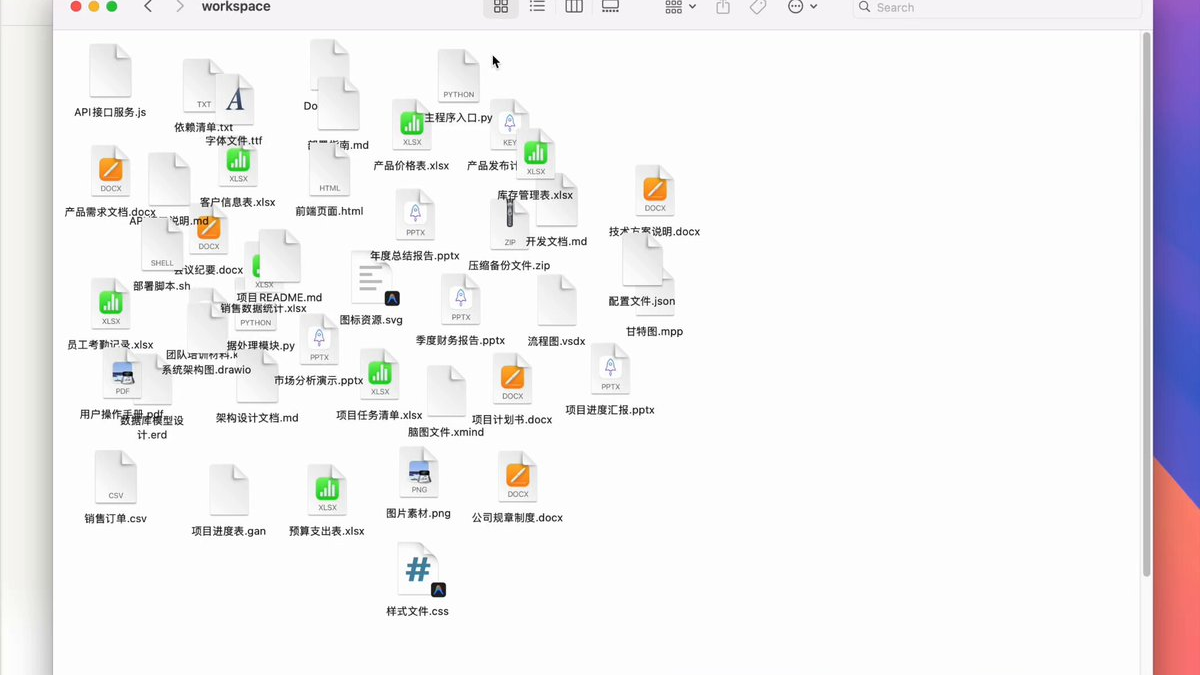
Project Availability
CoworkHow no longer publishes GitHub repository links from this site. If you are evaluating this path, use the project's current distribution channel or your own internal copy.
The original demo showed the fork organizing files with a third-party model. Treat that as a historical demonstration, not proof that the current package is maintained or safe.
Setup Guide: 15 Minutes to Get Started
Step 1: Get the Project Files
Start from the fork's current distribution package or an internal project copy, then open the project folder locally.
Step 2: Open with Antigravity
This is the magical part of the setup process. When you open the project with Antigravity (Google's AI coding assistant), you can simply tell it: "I want to use Kimi's API" and it will automatically open the settings interface for you!
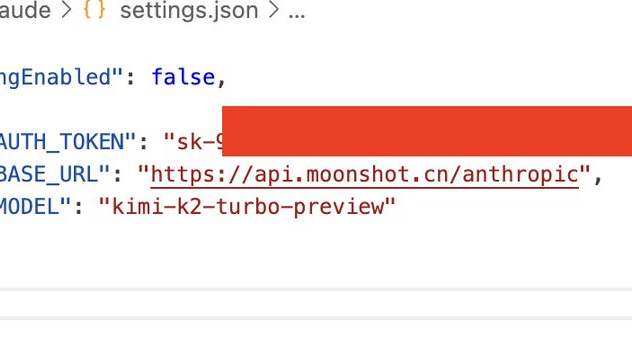
Step 3: Configure Your API
Reference the Kimi official documentation for configuration:
- Configuration Guide: platform.moonshot.ai/docs/guide/agent-support
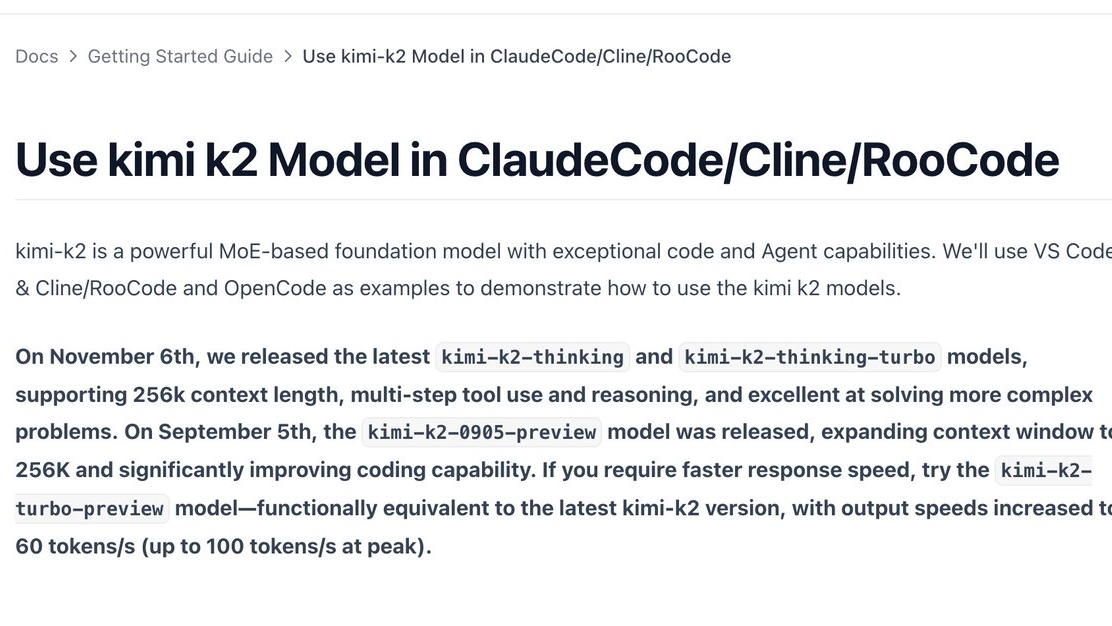
Fill in the following information according to the documentation:
- API Key - Your Kimi API key from the Moonshot platform
- API Endpoint -
https://api.moonshot.cn/anthropic - Model Selection - Options include:
kimi-k2(standard)kimi-k2-turbo-preview(faster, 60-100 tokens/s)kimi-k2-thinking(256K context, multi-step reasoning)
Example Configuration
Your settings.json should look something like this:
{
  "alwaysThinkingEnabled": false,
  "env": {
    "ANTHROPIC_AUTH_TOKEN": "sk-your-kimi-api-key-here",
    "ANTHROPIC_BASE_URL": "https://api.moonshot.cn/anthropic",
    "ANTHROPIC_MODEL": "kimi-k2-turbo-preview"
  }
}
That's it! Configuration complete—you're ready to use Cowork with Kimi K2!
Real Results: Impressive Performance
After configuration, I asked it to help organize my desktop files. The results were amazing!
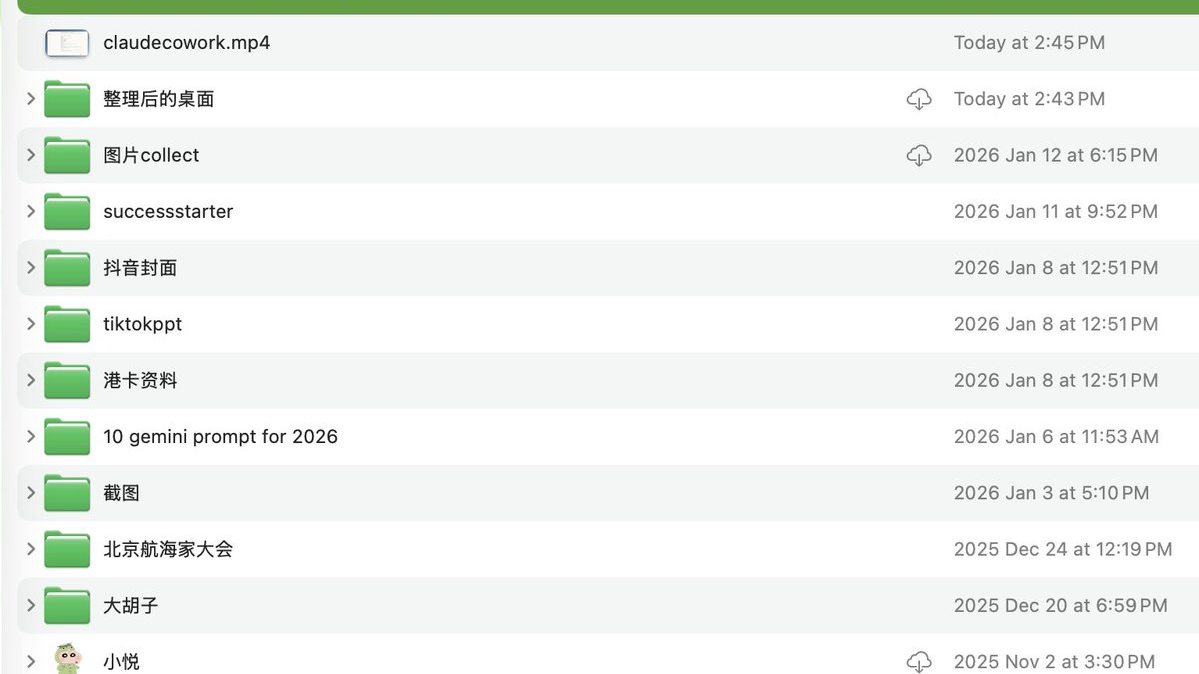
Look at that organized desktop—completely clean! All files were intelligently categorized and sorted. No more messy desktop chaos!
Cost Advantage: Incredible Value
As the community has noted:
"CTO is Claude Code, COO is Claude Cowork—and it only costs $200/month. That's cheaper than a full-time intern!"
This cost advantage is remarkable. Whether you're an individual developer or a small team, this is completely affordable.
Kimi K2 Pricing Reference
| Model | Context | Best For |
|---|---|---|
| kimi-k2 | Standard | General tasks |
| kimi-k2-turbo-preview | Standard | Fast responses (60-100 tok/s) |
| kimi-k2-thinking | 256K | Complex reasoning tasks |
| kimi-k2-0905-preview | 256K | Enhanced coding capability |
Summary
This experience has been fantastic! Thanks to @austinit for developing this open-source project. Here's what you get:
- ✅ Use any Anthropic-compatible API (Kimi K2, MiniMax, etc.)
- ✅ Enjoy Claude Cowork's powerful features (file management, organization, automation)
- ✅ Super simple setup (15 minutes to get running!)
- ✅ Cost-effective (pay only for API usage)
If you want to experience Claude Cowork but don't want to be limited to the official API, strongly recommend trying this open-source version!
Quick Links
- Kimi API Documentation: platform.moonshot.ai/docs/guide/agent-support
- Original Tweet: @austinit announcement
Related Guides
- What is Claude Cowork? - Complete feature overview
- Getting Started with Cowork - Official setup guide
- Safety Tips - Best practices for file access
This guide is based on community contributions and open-source projects. We are not affiliated with Anthropic or Moonshot AI.
Last updated: January 14, 2026